This article covers the process of programming smart keys for a 2019 Dodge Challenger using the Lonsdor K518 Pro key programming tool.
Tools used:
Lonsdor L-JCD cable or FCA 12+8 gateway adapter
New keys to be programmed
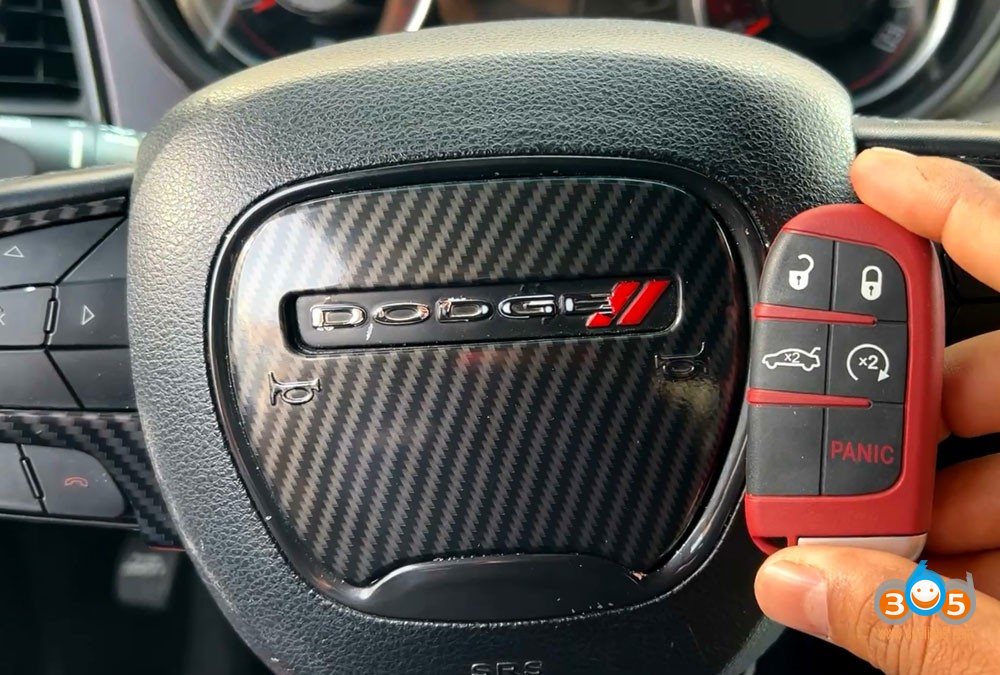
For the Dodge Challenger, the Lonsdor Pro provides the capability to add spare key and program all new smart keys when none exist for the vehicle.
The Programming Process
1. Vehicle Access and Identification
Plug the Lonsdor Pro into the vehicle’s OBD-II port.
Power on the device and navigate to the key programming section.
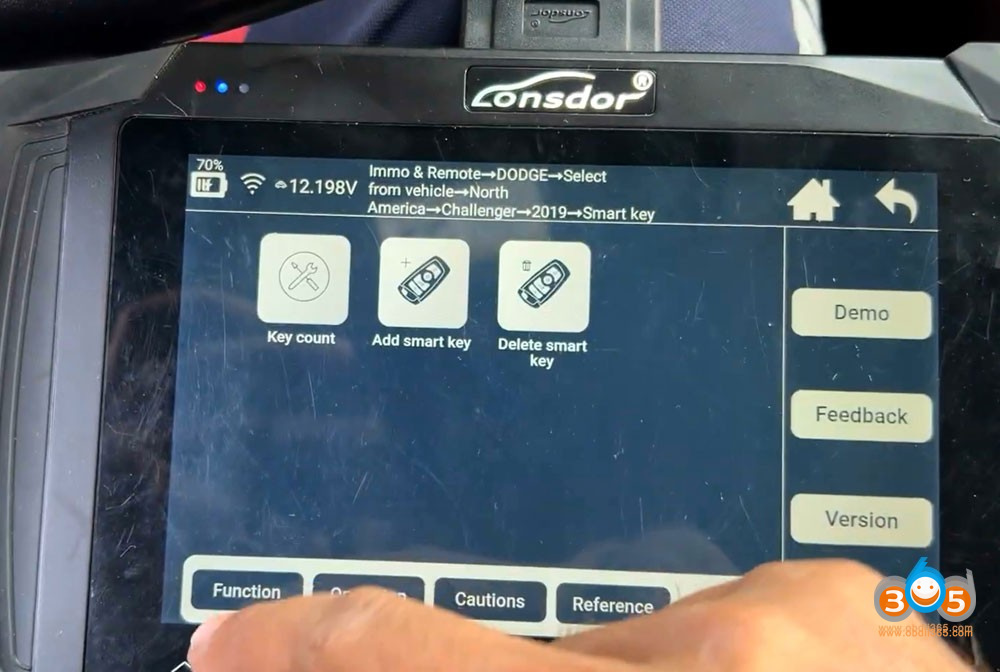
Select “Dodge” – “Challenger” – “2019” – “Smart key” from the vehicle menu
Choose “Read key count” option
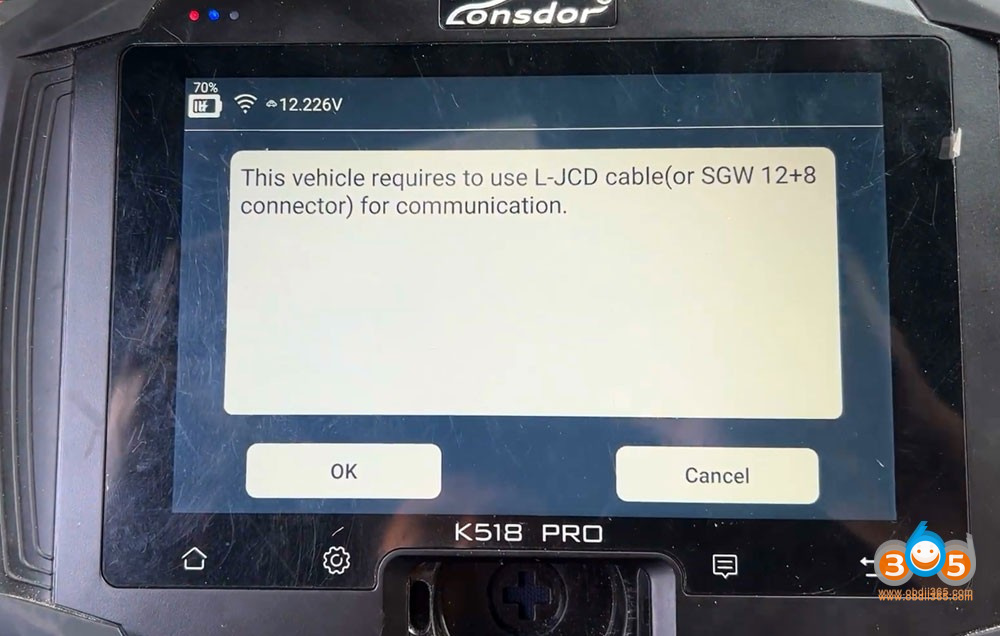
Lonsdor will ask for connecting L-JCD or 12+8 gateway adapter.
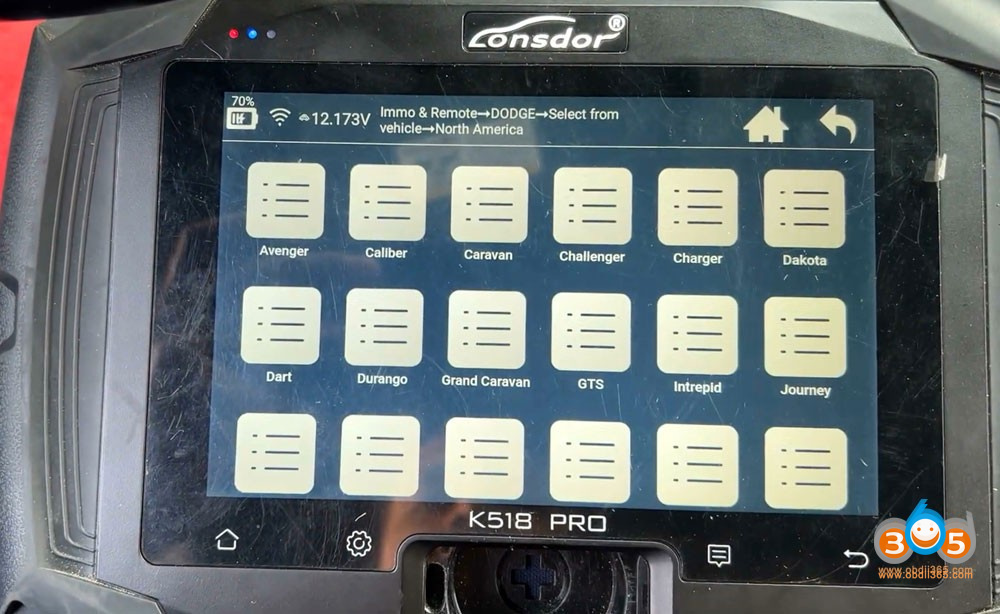
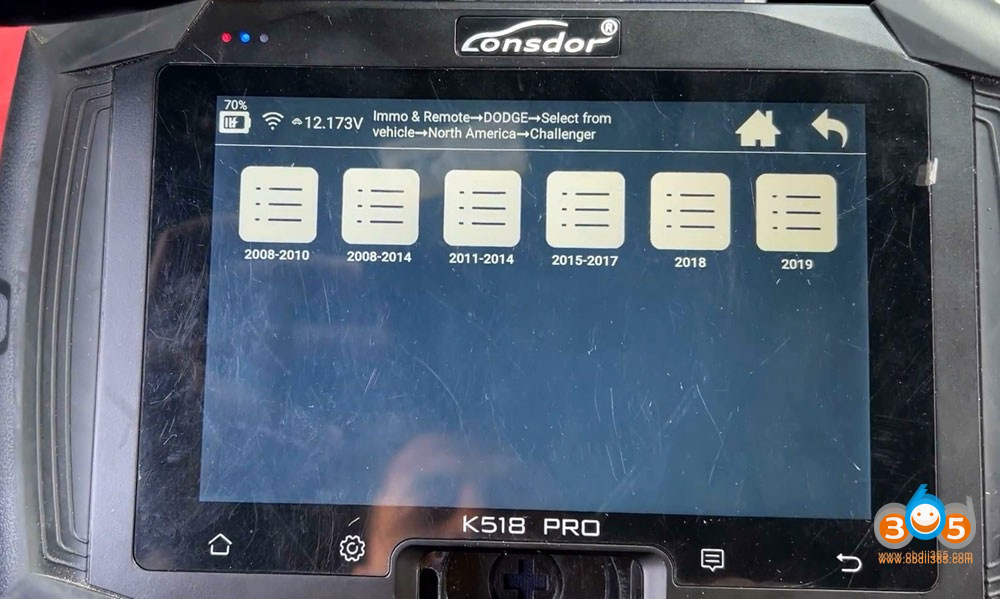
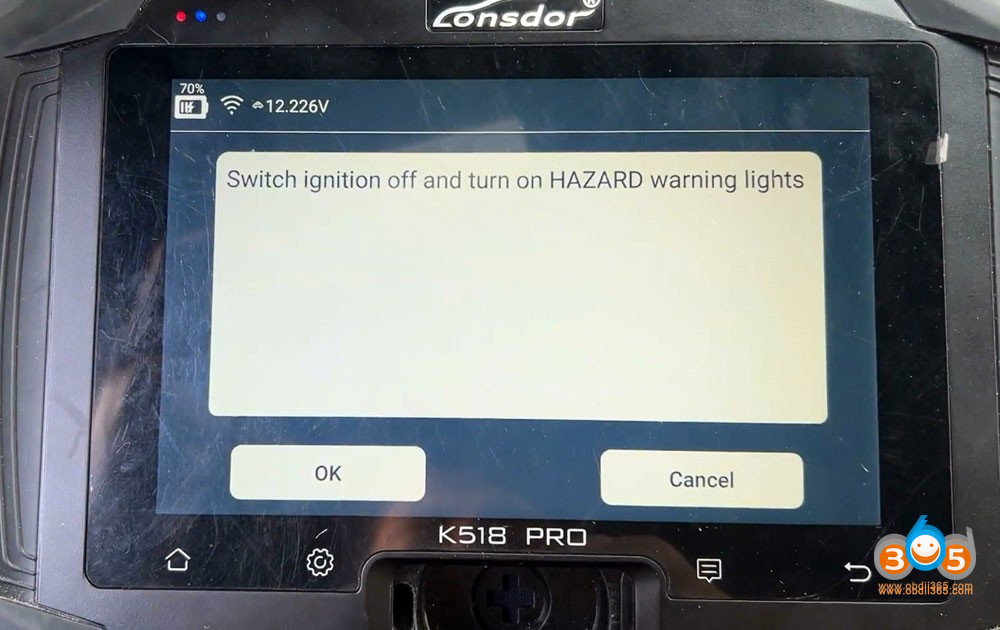
Switch ignition off and turn on hazard warning lights.
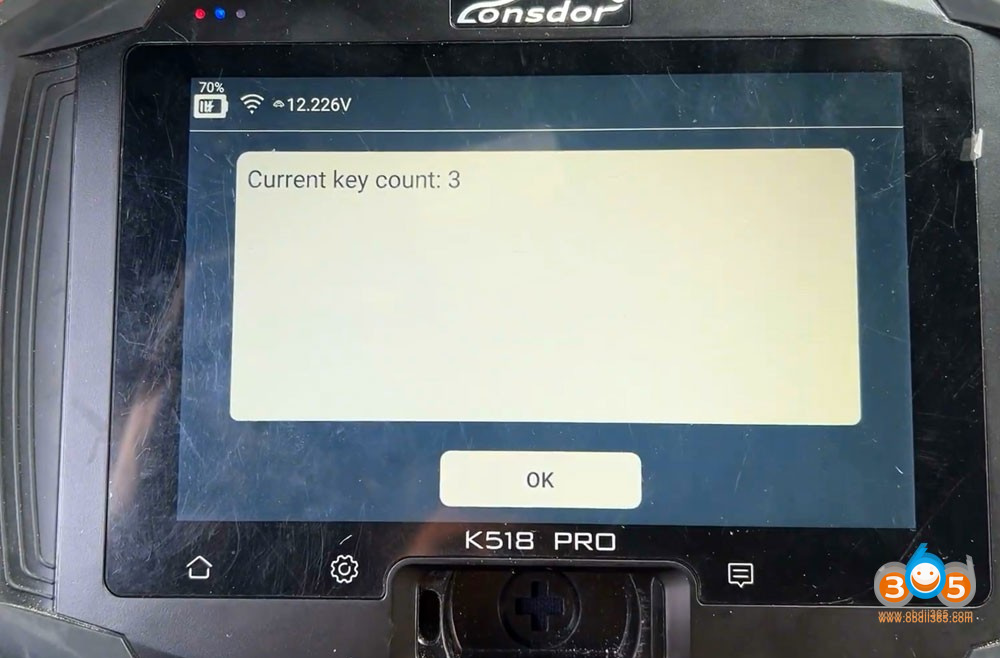
Read key number:
Select “Add smart key” function.
Establishing communication with the vehicle’s immobilizer system.
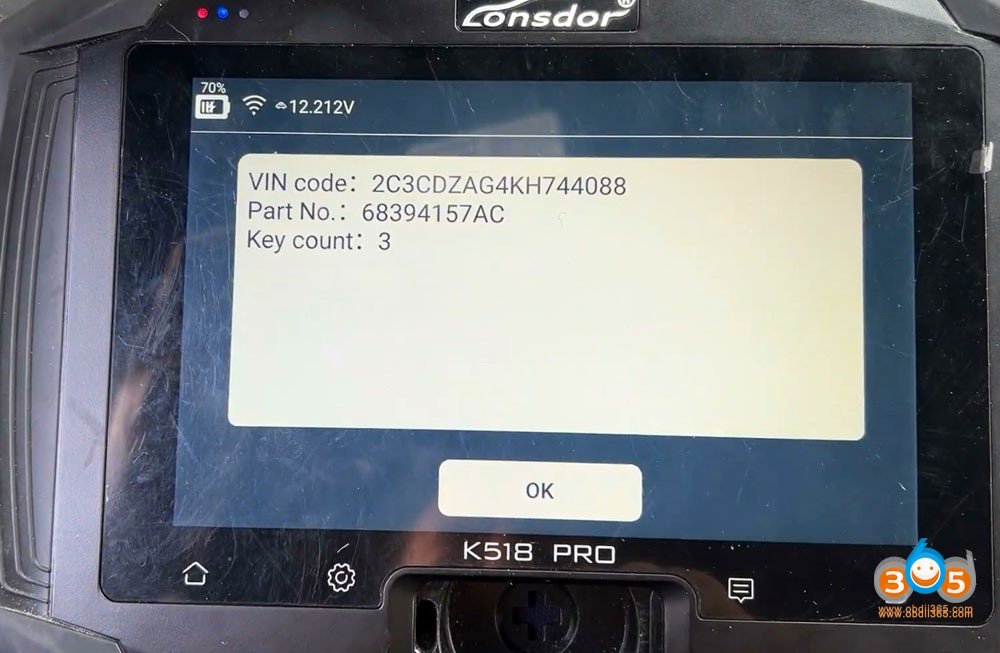
Reading necessary security information.
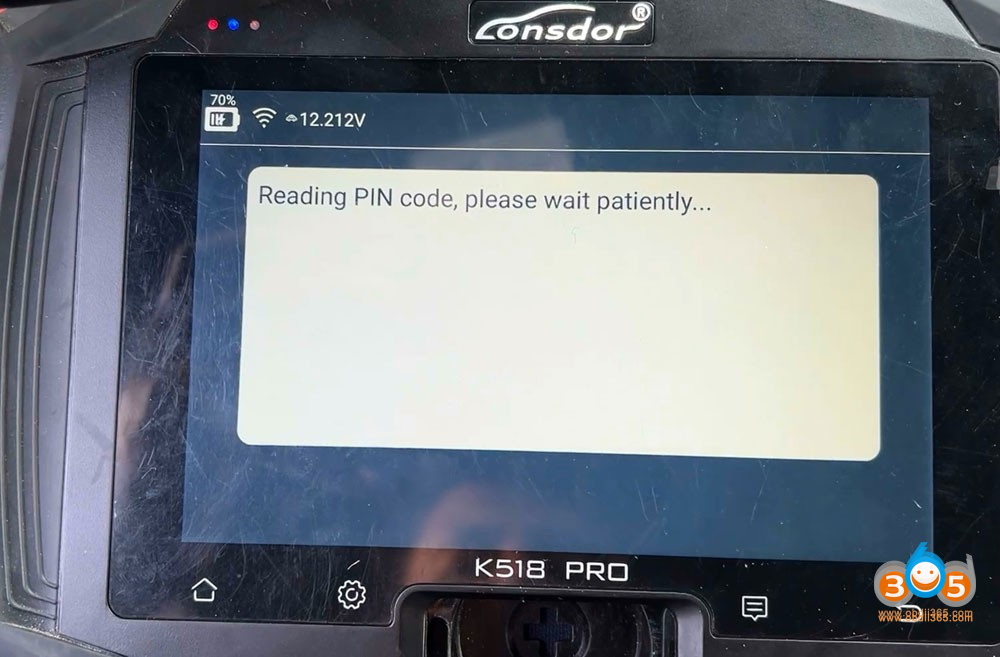
Entering programming mode.
Programming new smart keys to the vehicle.
Verify remote functions (lock, unlock, trunk release).
Ensure the vehicle starts properly with each key.
Related Posts
 Lonsdor K518 Pro Program Ford Transit 2021 All Keys Lost
 Lonsdor K518 Pro Adds Chevrolet Tahoe 2016 Smart Key
 Lonsdor K518 Pro Update Alfa Stelvio and Giulia 2018-2022 Smart Key Programming
 Lonsdor K518 Pro Update Geely Monjaro 2021-2022 Buick GL8 Century 2023- IMMO
 Lonsdor K518 Pro Update Chrysler 2020-2023 IMMO
 Lonsdor K518 Pro Adds GM CAN FD Model till 2023