Lonsdor K518 Pro supports Li auto L6, L7, L8, L9 and MEGA -2025 smart key programming (both add key and all keys lost). Here we will show how to program 2025 Li L7 all keys lost.
Requirement:
New key to be programmed
WiFi network connection
Procedure:
Remove the driver’s side trim panel.
Unclip the retaining clips. Remove the cover panel.
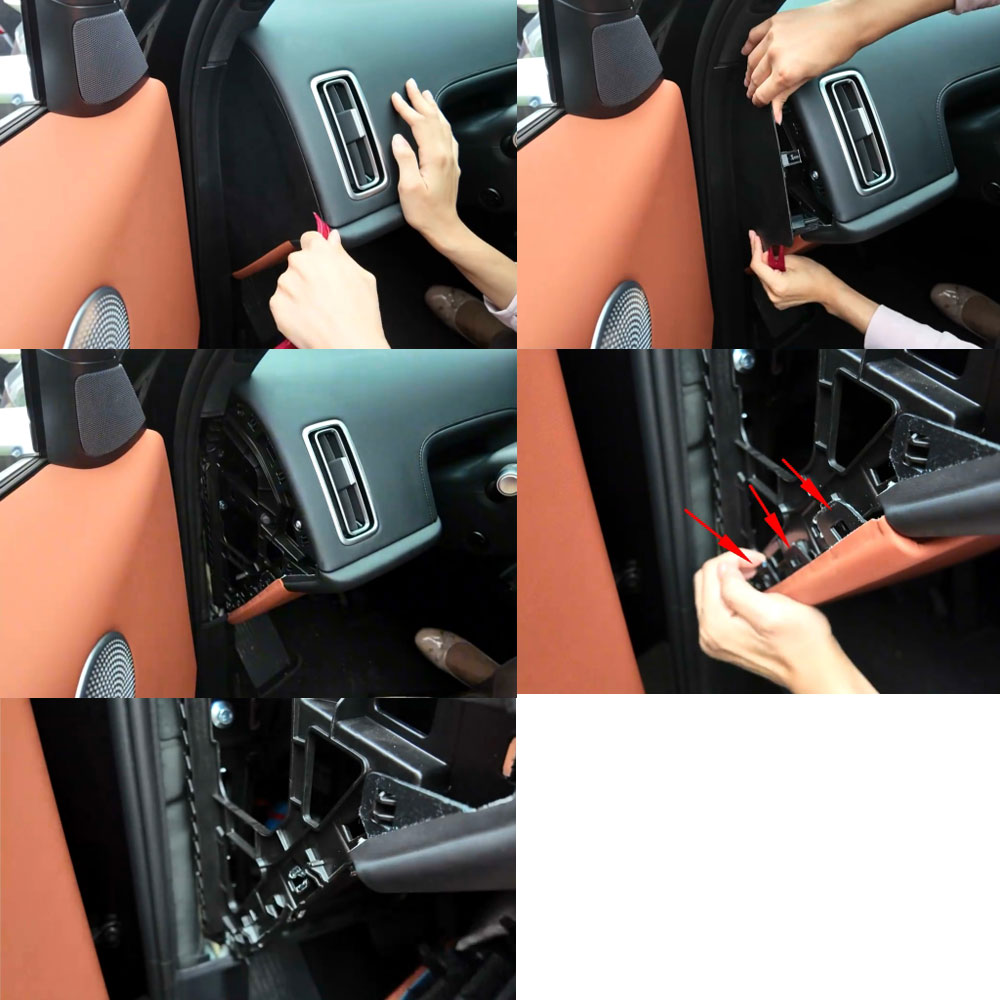
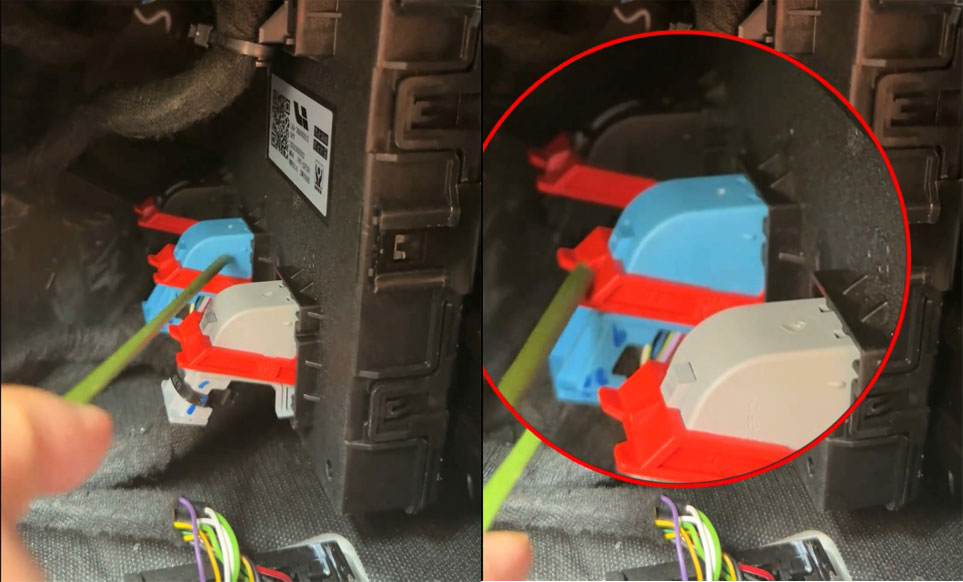
Locate the BCM module.
Unplug the blue connector.
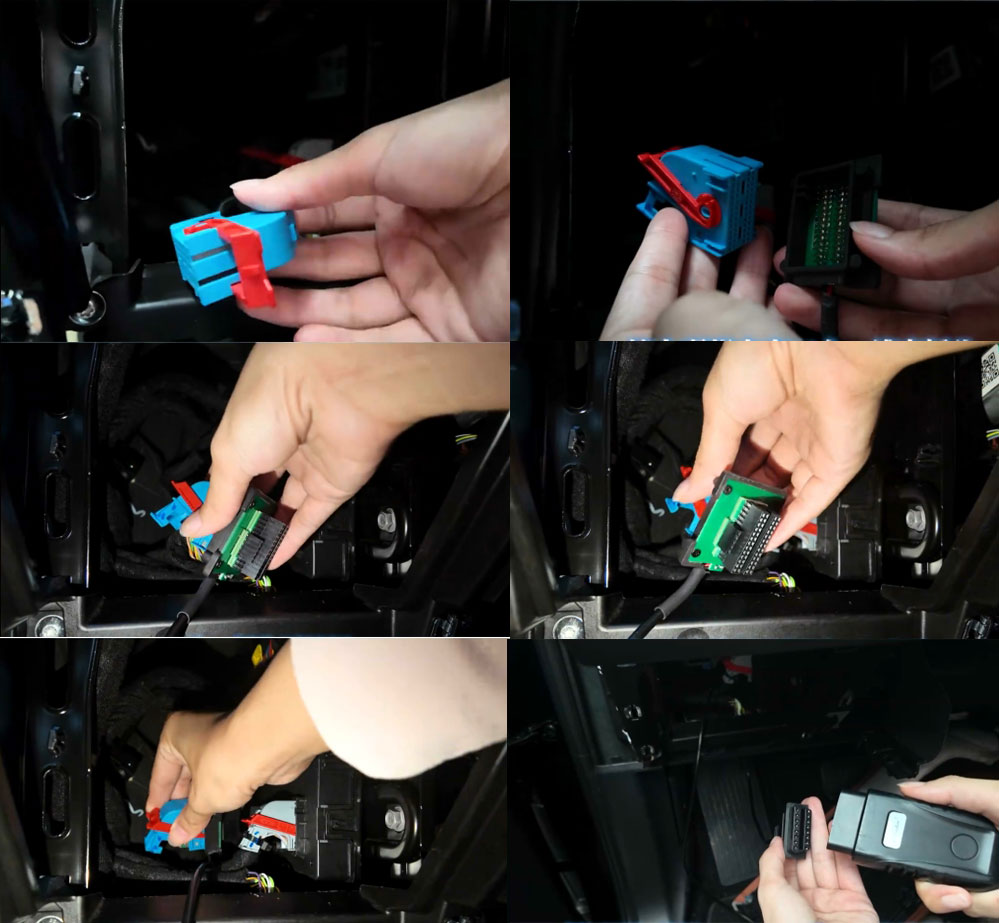
Connect Lonsdor Li & NIO 2 in 1 connector with the original blue plug.
Insert the other end of the Lonsdor connector to the BCM blue connector.
Connect the Li cable OBD connector with K518 OBD cable.
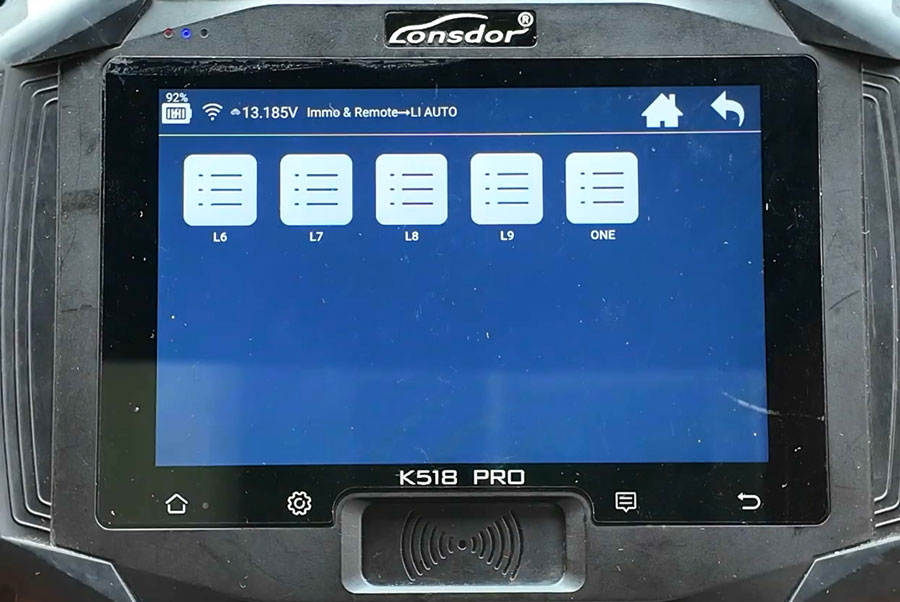
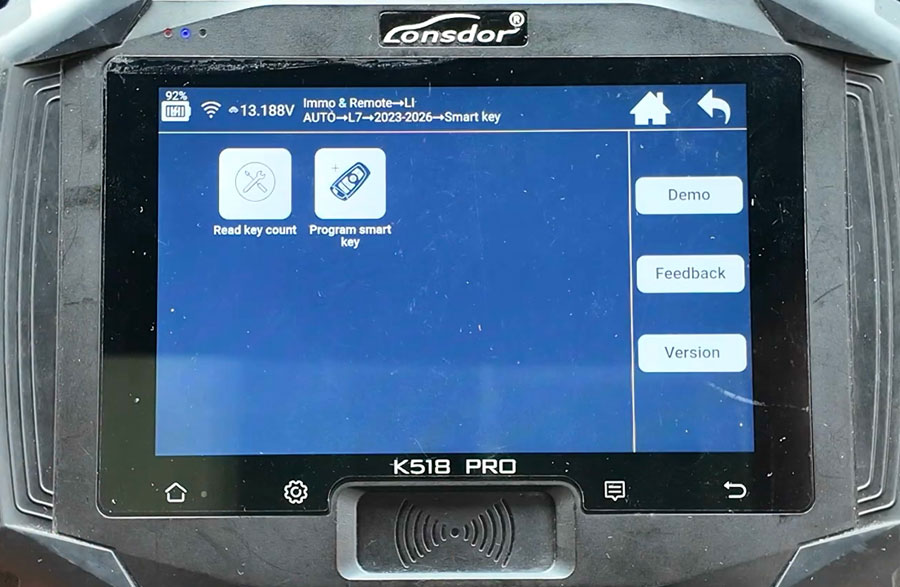
Go to IMMO & Remote- Li AUTO- L7- 2023 to 2026- Program Smart Key
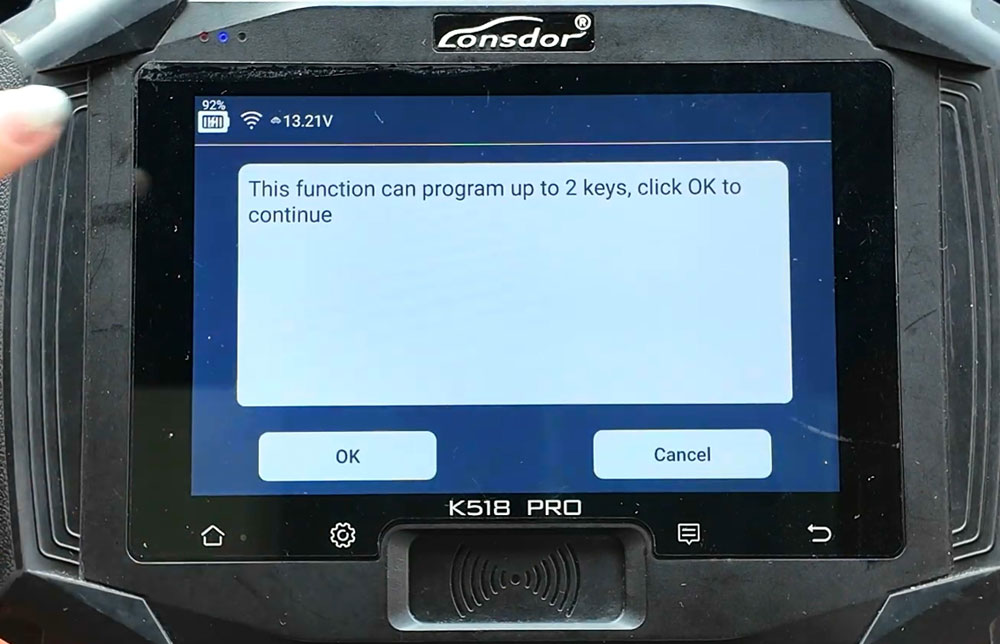
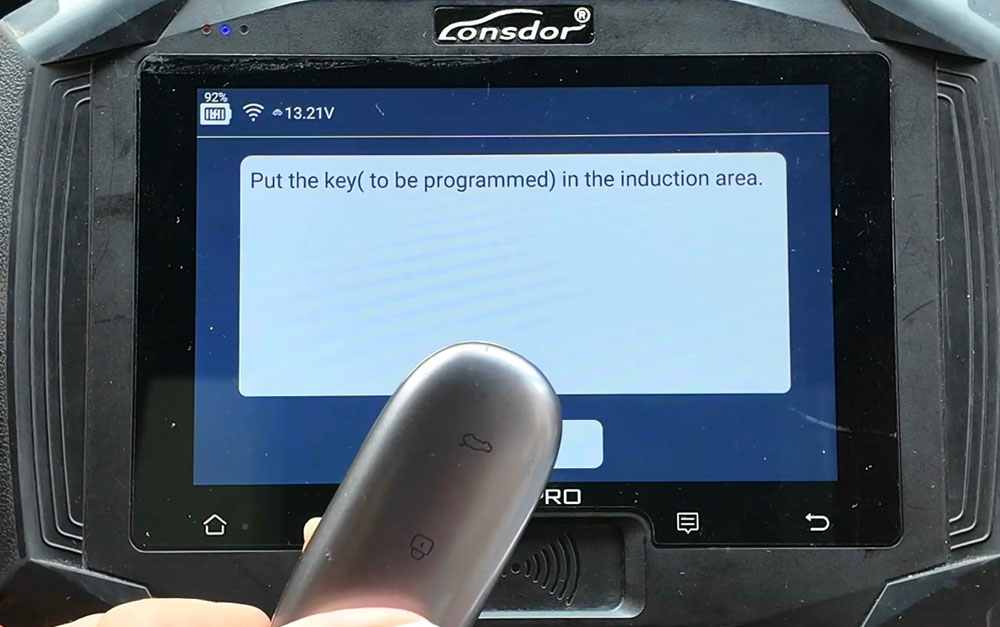
Put the key to be programmed in the induction area.
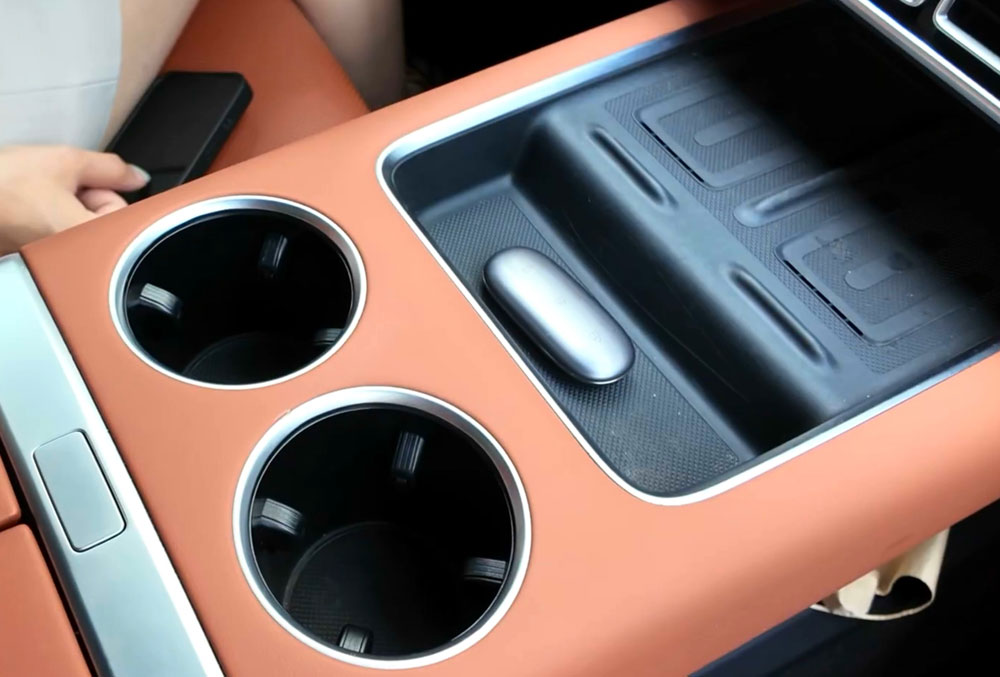
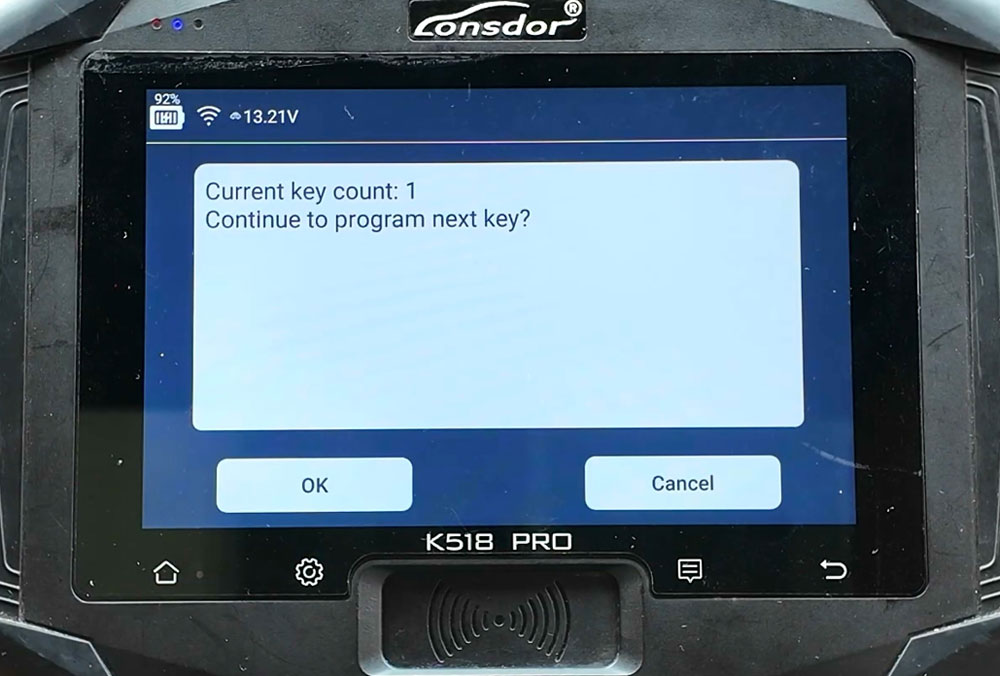
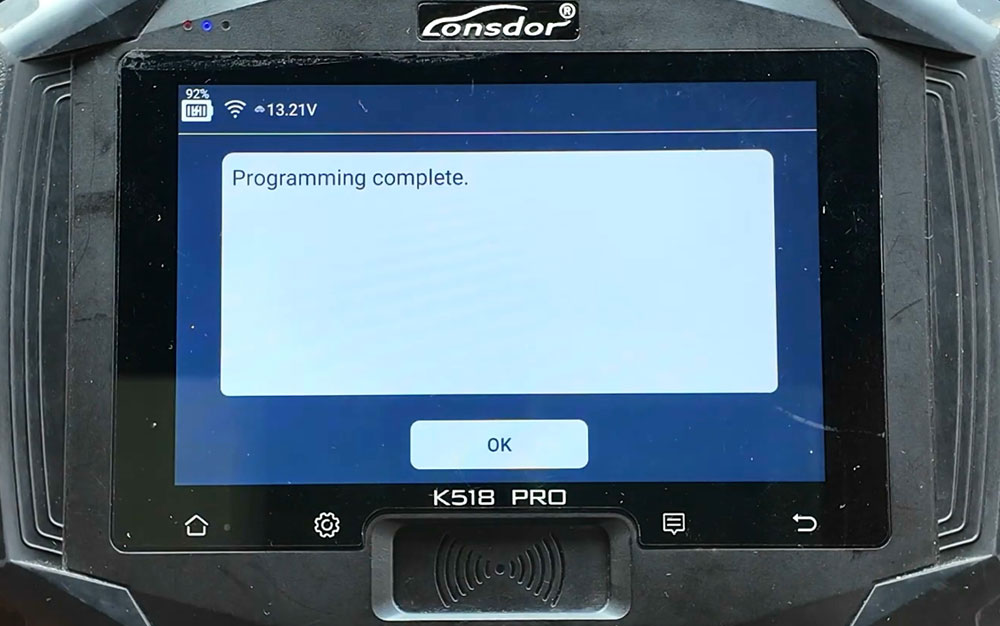
Program key successfully.
Related Posts
 Lonsdor K518 Update 2014-2025 MG ROEWE PIN Code Reading
 Lonsdor K518 Update BYD and Denza Smart Key Programming till 2026
 Lonsdor K518 Update Chery Key Programming Till 2026
 Lonsdor K518 Pro Stuck on Update Page Solution
 Lonsdor K518 Update ROEWE & TRUMPCHI IMMO till 2025
 Londsor K518 Update Wuling 2022- AKL Programming without PIN