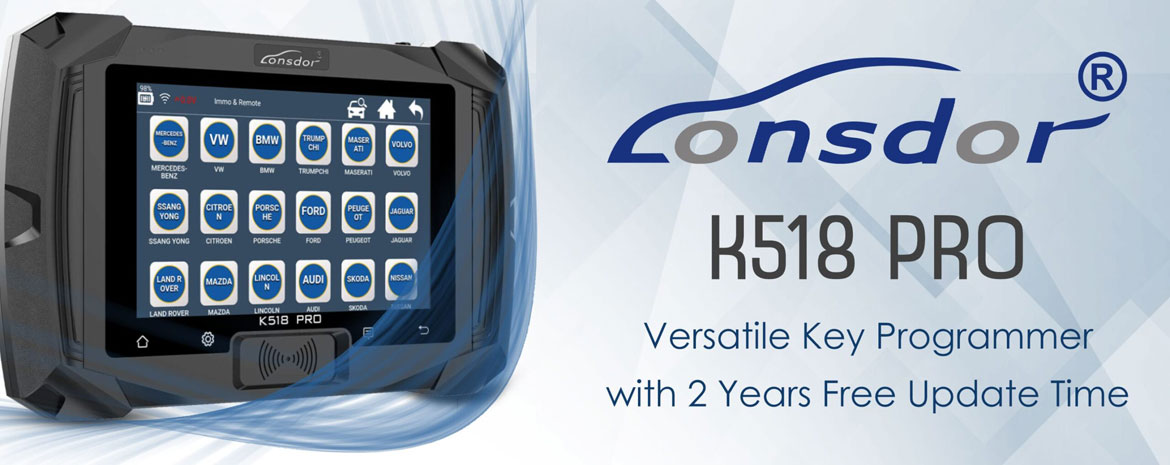
Lonsdor K518 Pro and K518ISE series also support Ford all keys lost programming with active alarm. This procedure requires disconnecting and reconnecting the vehicle battery, and the use of a Ford AKL alarm bypass cable.

Feature:
Bypass vehicle active alarm during AKL smart key programming.
No annoying alarm noise, more stable & efficient.
Wide coverage for Ford & Lincoln models from 2015+
Ideal tool for all locksmiths working on Ford & Lincoln.
Support Models
Ford
- Taurus 2016-
- Escort 2018-
- Explorer 2016-
- Mondeo 2016-
- Focus 2018-
- F-150 Raptor 2018-2019
- EcoSport 2018-
- Mustang 2016-
- F-250 Raptor 2016-
- Edge 2016-
- Expedition 2020
- Escape 2020
- Everest 2016-
Lincoln
- Aviator 2020
- MKC 2015-
- Continental 2016-
- MKT 2020
- MKZ 2016-
- Nautilus 2018-2020
- Corsair 2020
- MKX 2015-
- Navigator 2020
How to connect/use the Lonsdor Ford AKL Bypass cable?

Follow the device’s on-screen instructions to remove/disconnect the battery positive terminal.


Connect the red clamp from one end of the wiring harness to the battery positive terminal, and connect the other end to the positive cable.

Attach the black clamp to the negative terminal.

Connect the other end of the Ford AKL harness to the device’s OBD cable and plug it into the vehicle’s OBD port.


Once all connections are made, press “OK” on the device.
The device will prompt you to disconnect the battery.
Press the button on the Ford adapter to turn it off.


At this point, you will see that the alarm warning lights on the instrument cluster have turned off – indicating that the bypass is active.

You may now proceed with programming the key.
Related Posts
 Program 2019-2023 Jeep Wrangler Smart Key with Lonsdor K518 Pro
 Lonsdor K518 Pro Add 2019 Dodge Challenger Smart key
 Lonsdor K518 Pro Program Ford Transit 2021 All Keys Lost
 Lonsdor K518 Pro Adds Chevrolet Tahoe 2016 Smart Key
 Lonsdor K518 Pro Update Alfa Stelvio and Giulia 2018-2022 Smart Key Programming
 Lonsdor K518 Pro Update Geely Monjaro 2021-2022 Buick GL8 Century 2023- IMMO